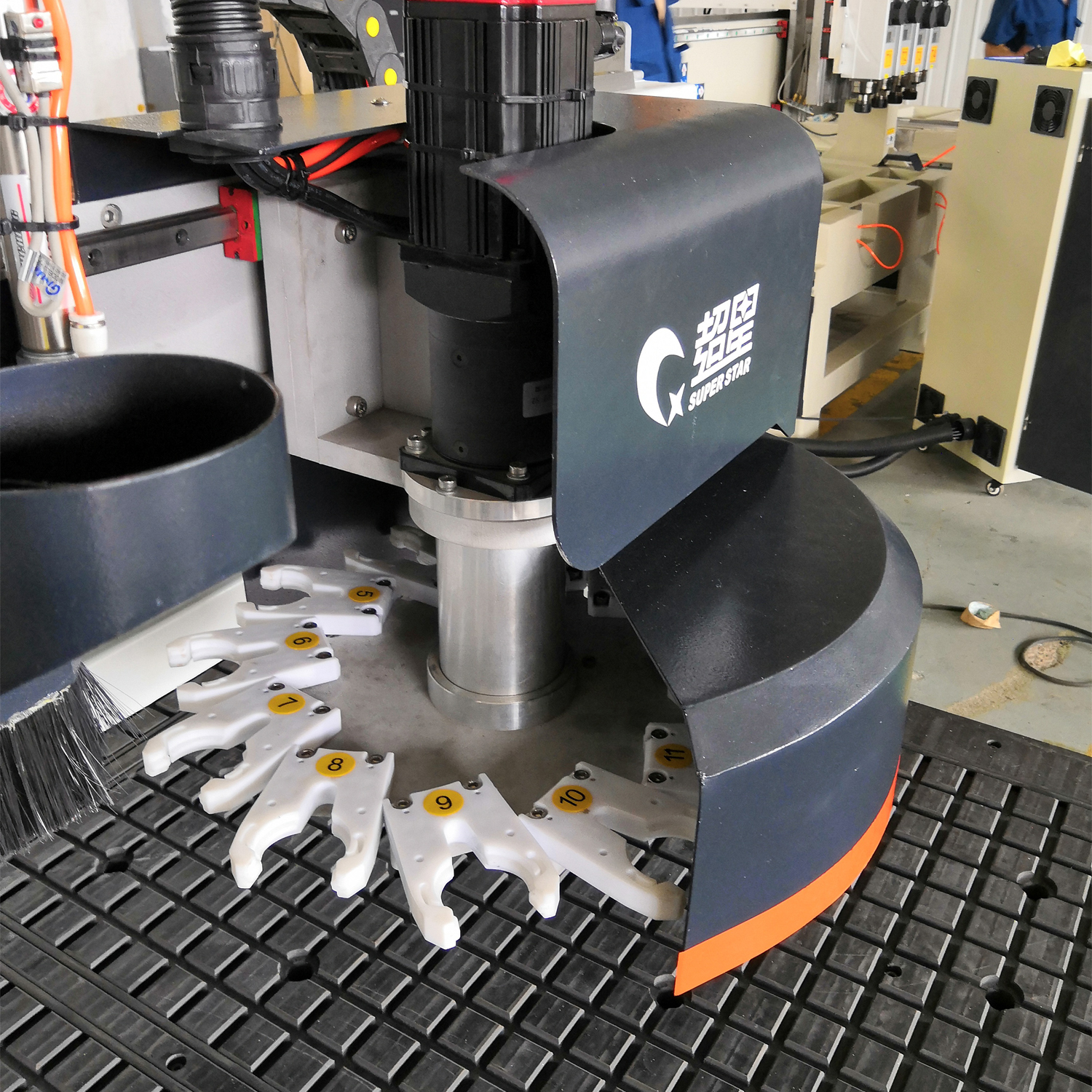
Edge chipping (also called edge collapse or tear-out) on CNC-cut panels is caused by five factors: dull cutting tools, incorrect spindle speed, loose tool clamping, poor vacuum table hold-down, and low-quality machine construction. The fastest fix is replacing the tool — if chipping persists, check spindle speed and vacuum suction in that order.
What Causes Edge Chipping?
Chipping occurs when the cutting tool tears fibers from the panel edge instead of cutting them cleanly. This is most visible on laminated and veneered panels where the decorative surface layer separates from the core.
5 Causes and Solutions
1. Dull Cutting Tool (Most Common)
Symptom
Action
Chipping appears on both edges of a cut
Replace the cutting tool immediately
Chipping worsens gradually over the shift
Tool is wearing out — establish a replacement schedule
Burning marks alongside chipping
Tool is severely dull — replace now and check feed speed
Prevention: Track cutting hours per tool and replace before failure. A carbide tool typically lasts 8-12 hours of continuous MDF cutting before showing edge quality degradation.
2. Incorrect Spindle Speed
Spindle RPM must be matched to the tool diameter and material type:
Reduce RPM — excessive speed causes burning and vibration
Unsure of correct speed
Follow the tool manufacturer's recommended RPM range
Rule of thumb: For standard panel cutting, increase spindle speed to the upper range of the tool's specification. Always stay within the tool's rated RPM — exceeding it causes tool failure and safety hazards.
3. Loose Tool Clamping
If the tool is not securely fastened in the collet:
The tool vibrates during cutting, creating irregular cuts and chipping
The tool may shift in the collet, causing inconsistent cutting depth
Worst case: the tool ejects during operation — a serious safety hazard
Solution: Before each shift, check that all tools are firmly clamped. Use the correct collet size for the tool shank — never use adapters or shims.
4. Poor Vacuum Table Hold-Down
If the panel shifts even slightly during cutting, the cut edge will be ragged:
Vacuum Issue
How to Fix
Insufficient suction force
Check vacuum pump output; clean vacuum filters
Leaking seals or damaged gaskets
Inspect and replace table gaskets
Clogged suction holes
Clean all suction holes on the table surface
Uneven panel contact
Ensure panels are flat and the table surface is level
Best practice: A double-zone vacuum table provides more uniform suction across the panel surface and handles small parts more reliably than a single-zone system.
5. Machine Quality Issues
A poorly constructed machine with a flexible frame will vibrate excessively during cutting, causing chipping regardless of tool and speed settings. If you've addressed the first four causes and chipping persists, the machine's structural rigidity may be the root cause.