1. Precautions before installation of the engraving machine
(1) Never install this device during lightning or thunder, never install a power outlet in a damp place, and never touch an uninsulated power cord.
(2) The operator on the computer must undergo strict training and pay attention to the safety of the person and the machine during the operation, and operate the computer in strict accordance with the operating procedures.
(3) The power supply voltage is required to be 210V--230V. If the power supply voltage is unstable or there are high-power electrical equipment around, please select a regulated power supply under the guidance of technicians.
(4) The control cabinet of the cnc router 1325 engraving machine must be grounded, and the data cable cannot be plugged in with electricity.

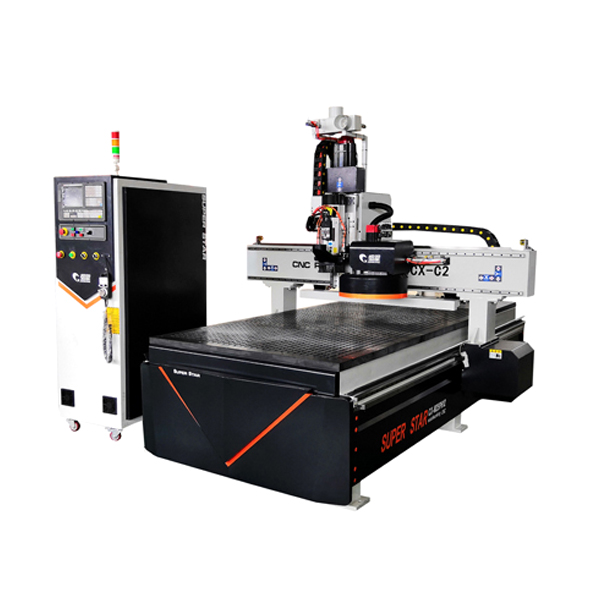
CX-1325 Wood Engraving Machine
(5) Operators must not wear gloves to work, and need to wear protective goggles
(6) The mechanical body is a steel structure and part of the aviation aluminum castings of the door, which is relatively soft. When installing the screws (especially when installing the engraving motor), do not use too much force to prevent the wire from slipping.
(7) The tool must be installed and clamped to keep the tool sharp. A dull tool will reduce the engraving quality and overload the motor.
(8) Do not put your fingers into the working range of the tool, and do not remove the engraving head for other purposes. Do not process asbestos containing materials.
(9) Do not exceed the machining range, cut off the power supply when it is not working for a long time, and have a technician present under the guidance of the machine when the machine is moving.
(10) If the machine is abnormal, please refer to the chapter on troubleshooting in the operation manual or contact the dealer to solve it; so as to avoid man-made damage.

In-line tool change ATC Wood Cutting Machine
2. Installation of engraving machine
Warning: All operations must be operated under power off!!
(1) The connection between the mechanical body and the control box.
(2) Connect the control data line on the main body of the machine to the control box.
(3) The power cord plug on the machine body is inserted into the Chinese standard 220V power supply.
(4) For the connection between the control box and the computer, plug one end of the data cable into the digital signal input port on the control box, and the other end into the computer.
(5) Plug one end of the power cord into the power supply on the control box, and the other end into a standard 220V power socket.
(6) Install the engraving knife on the lower end of the spindle through the spring head. When installing the tool, first put a spring chuck of a suitable size in the spindle hole, then put the tool into the middle hole of the chuck, and use a random small wrench to clamp the flat groove of the spindle neck to prevent it from rotating, and then use The large wrench rotates the spindle screw nut counterclockwise to fasten the tool.

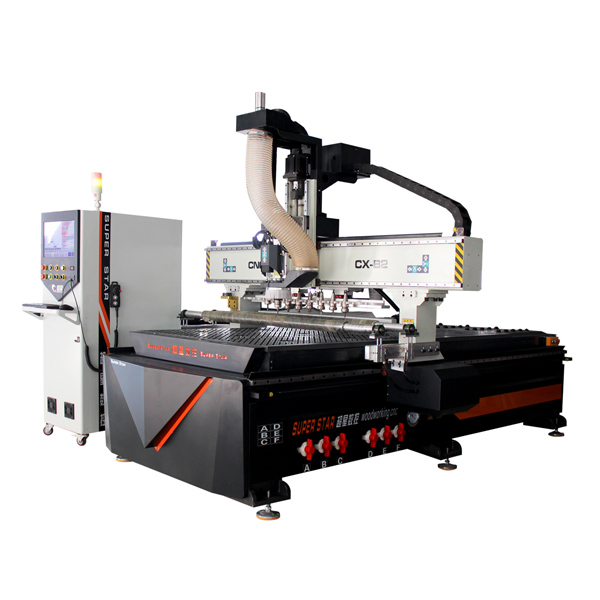
CX-1325 ATC Woodworking machin
3. The operation process of the engraving machine
(1) Typesetting according to customer requirements and design requirements. After calculating the path correctly, save the paths of different tools. Save them into different files.
(2) After checking that the path is correct, open the path file in the engraving machine control system (preview is available).
(3) Fix the material and define the origin of the work. Turn on the spindle motor and adjust the number of revolutions correctly.
(4) Turn on the power to operate the machine.

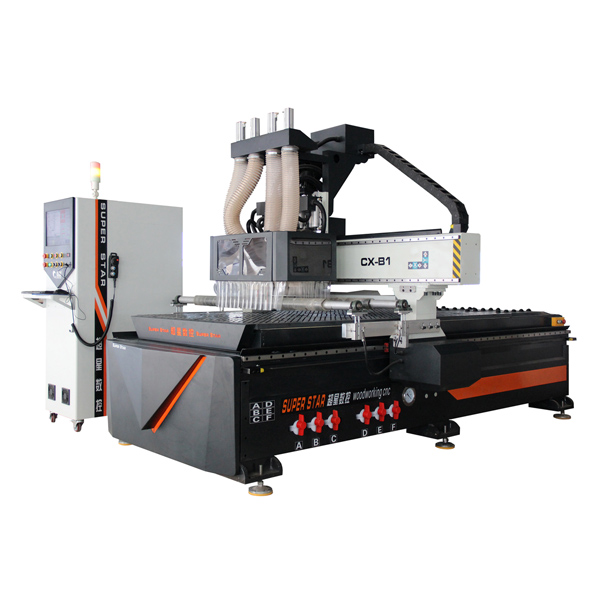
Mulity Spindle Wood CNC Router
4. Power on
(1) Turn on the power switch, the power indicator light is on, the machine first resets and self-checks, the X, Y, Z, axes return to the zero point, and then each run to the initial standby position (the initial origin of the machine)
(2) Use the handheld controller to adjust the X, Y, and Z axes respectively, and align the starting point (processing origin) of the engraving work. The rotation speed of the main shaft and the feed speed are appropriately selected to make the engraving machine in a working waiting state.
5. Carving
(1) Edit the file to be engraved.
(2) Open the transfer file and transfer the file to the CNC router machine woodworking 4x8, and the engraving work of the file can be automatically completed. When the engraving file is finished, the engraving machine will automatically lift the knife and run to the top of the work start point.
The above is about the installation and precautions of the engraving machine. If you need it, you can contact us at any time~